Note that when permission syncing is enabled, users will only be able to view repositories they have access to. This applies to all roles, including Owners.
On the free plan, all signed-in users are given the
Owner role.Default role assignment
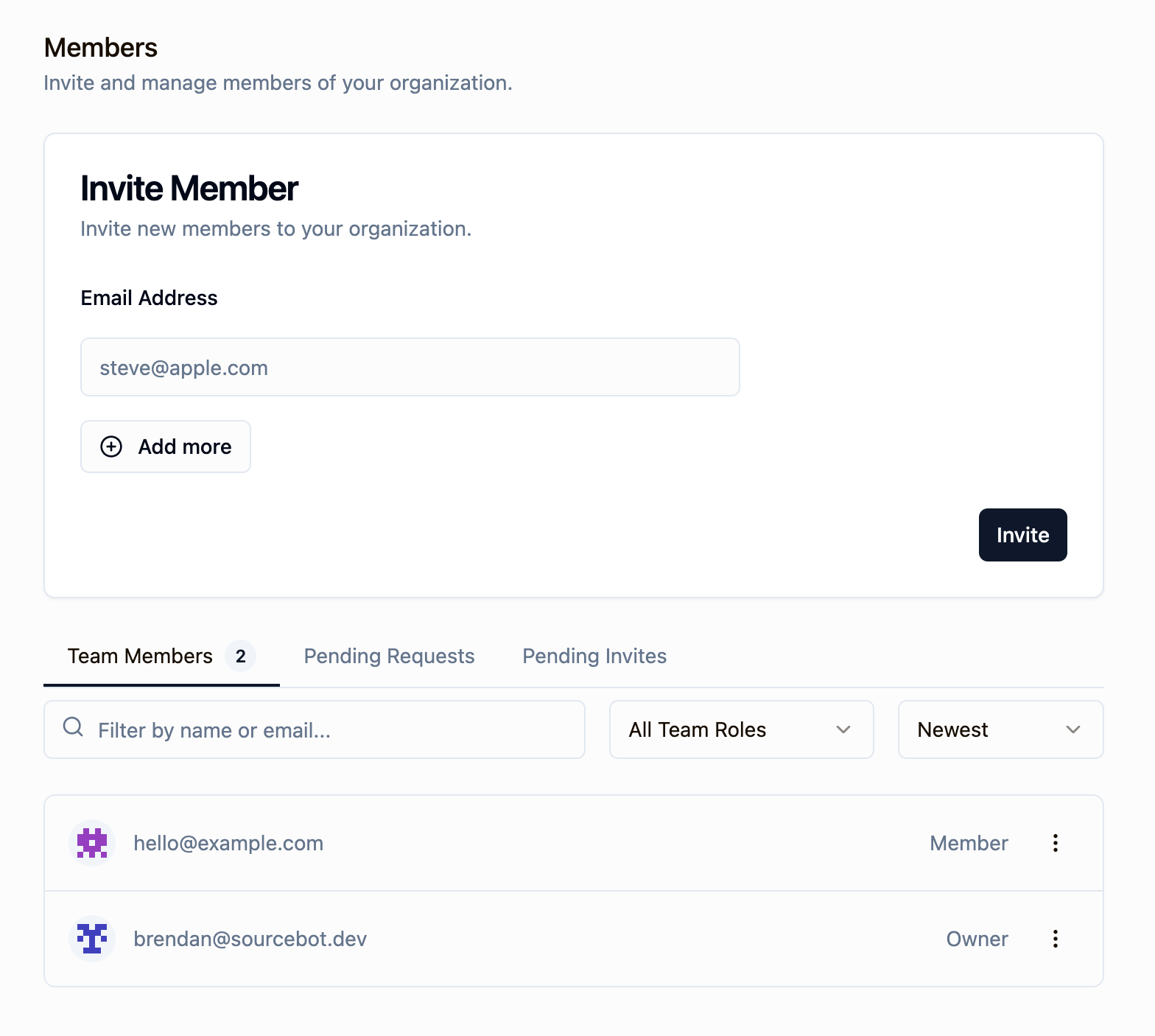
When a user joins your organization, they are assigned a default role. This assignment, and the ability to manage the user’s role afterwards, depends on your plan:Managing member roles
only available in a paid plan. Please activate a license key to use this feature.
Owner, and scoping access back down to Member when administrative responsibilities change.
Promoting a member to owner
To promote a member, click the action menu (three dots) next to their name in the members list and select Promote to owner. The member will immediately gain full administrative access.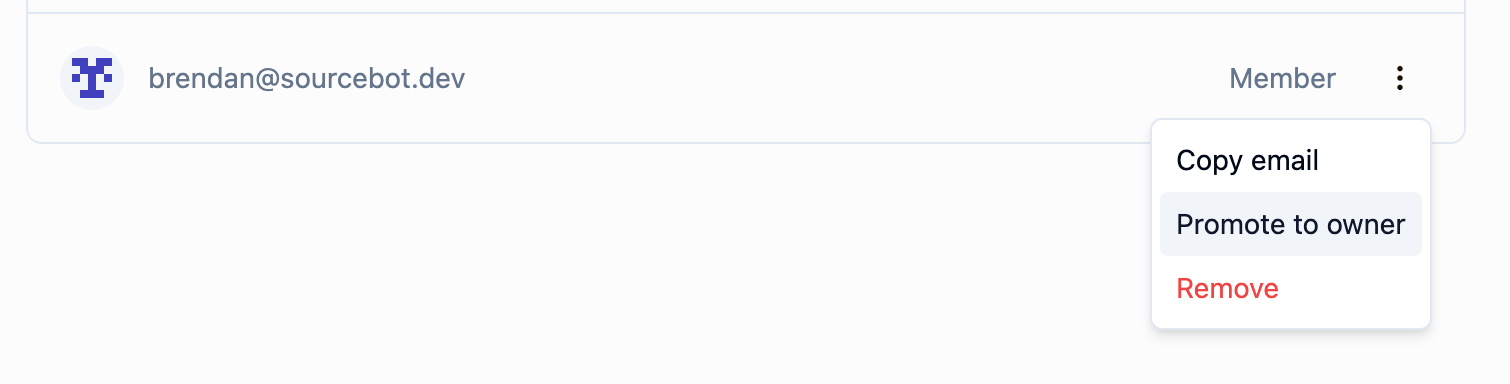
Demoting an owner to member
To demote an owner, click the action menu next to their name and select Demote to member. Owners can also demote themselves to step down from the role. The last remaining owner of an organization cannot be demoted - at least one owner must exist at all times.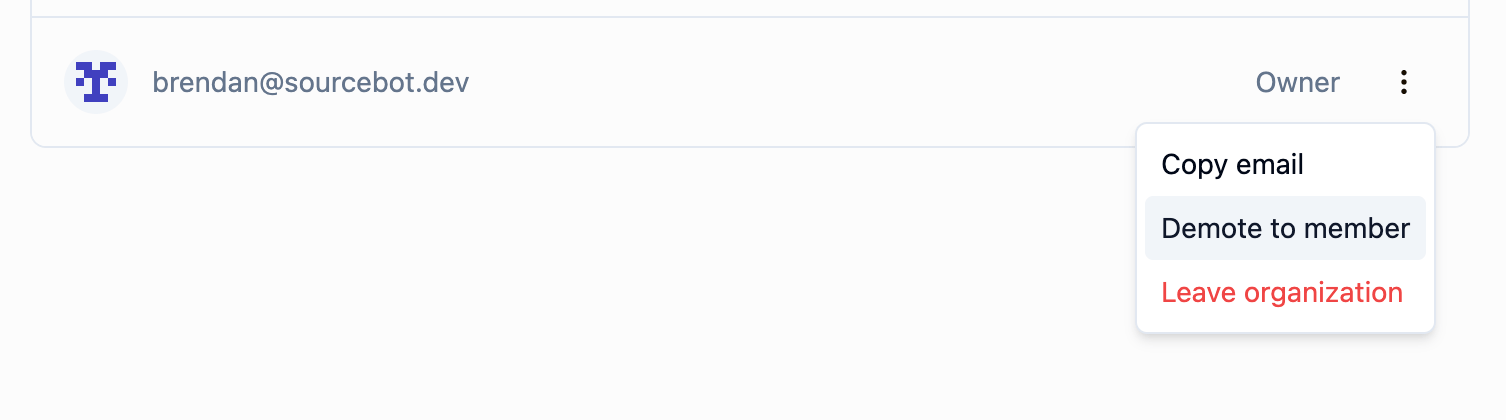
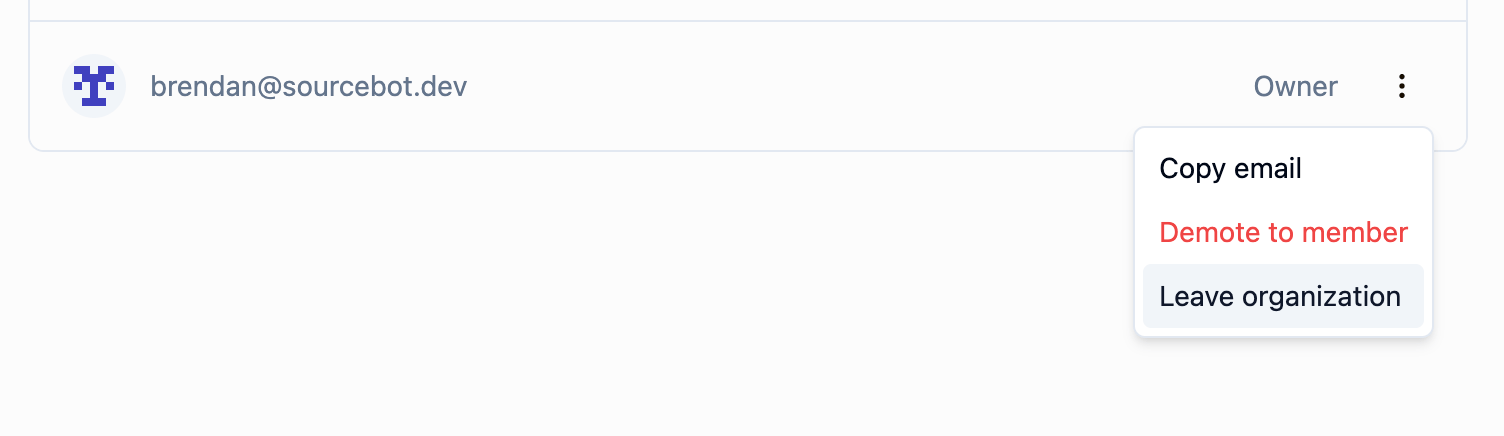
Leaving an organization as an owner
An owner can leave the organization as long as at least one other owner exists. If you are the last owner, you must promote another member to owner before leaving.